How to Turn a Hisense Roku TV On Without a Remote
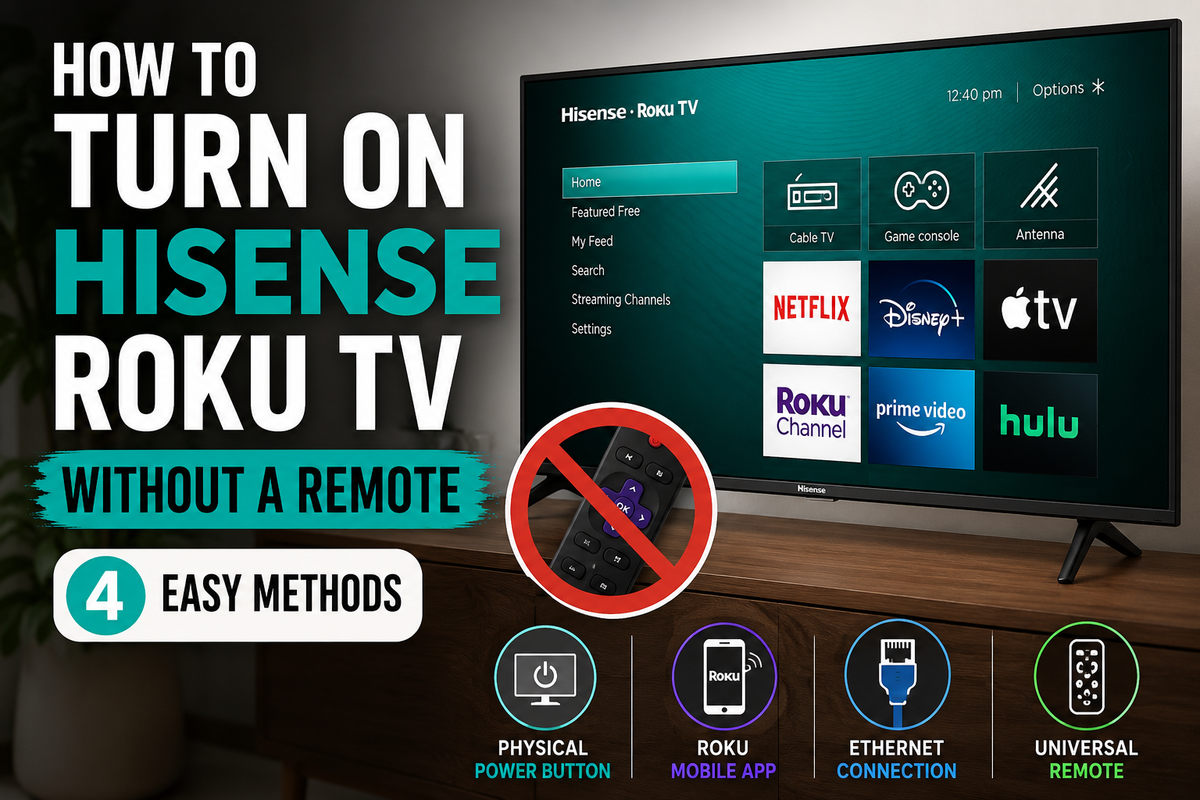
How to Turn a Hisense Roku TV On Without a Remote: 4 Simple Methods
Losing your TV remote can be frustrating, especially when you just want to watch your favorite show. Fortunately, there are several ways to turn on a Hisense Roku TV even if the remote is missing.
Method 1: Use the Physical Power Button
The easiest solution is to use the built-in power button on the TV itself.
Depending on the model, the button may be located:
- Under the center of the TV.
- On the lower right side.
- On the lower left side.
- On the back panel.
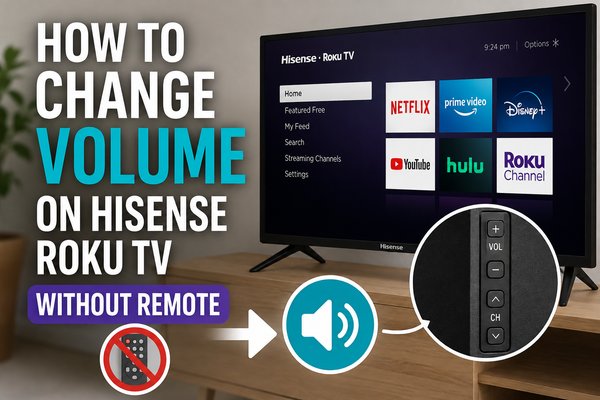
Simply press the button once to turn the TV on. Some Hisense Roku TVs also include additional buttons for volume and channel navigation.
Method 2: Use the Roku Mobile App
If your TV is already connected to Wi-Fi, you can control it with your smartphone.
Steps:
- Install the official Roku app.
- Connect your phone to the same Wi-Fi network as the TV.
- Open the app.
- Select Devices.
- Choose your Hisense Roku TV.
- Tap Remote.
The mobile app provides almost all of the functions available on a physical remote, including navigation, volume control, text input, and media playback.
Method 3: Connect the TV Using an Ethernet Cable
If the TV isn't connected to Wi-Fi and you can't use the Roku app, an Ethernet cable may help.
Many users have successfully restored network access by connecting their Hisense Roku TV directly to their router.
After the TV reconnects to the network, you can control it using the Roku mobile app.
Method 4: Use a Universal Remote
A replacement infrared remote can often work immediately without any pairing.
Universal remotes are especially useful if your TV only has a power button and limited physical controls. Some replacement remotes designed specifically for Hisense Roku TVs work as soon as batteries are installed.
What If the TV Won't Turn On?
Try these troubleshooting steps:
- Check the power cable.
- Verify that the outlet is working.
- Unplug the TV for 10 seconds.
- Plug it back in.
- Press the physical power button again.
If the TV still doesn't respond, the issue may be related to the power supply rather than the remote.
Frequently Asked Questions
Can I turn on my Hisense Roku TV with my phone?
Yes, but the TV must already be connected to the same Wi-Fi network as your smartphone.
Where is the power button on a Hisense Roku TV?
Most models place the button under the TV, on the side, or on the back panel.
Can I use any universal remote?
Not always. A remote designed specifically for Hisense Roku TVs is usually the safest choice.
Final Thoughts
The fastest way to turn on a Hisense Roku TV without a remote is to use the built-in power button. If you need full control, the official Roku mobile app is usually the best long-term solution.