How to Change Volume on Hisense Roku TV Without a Remote
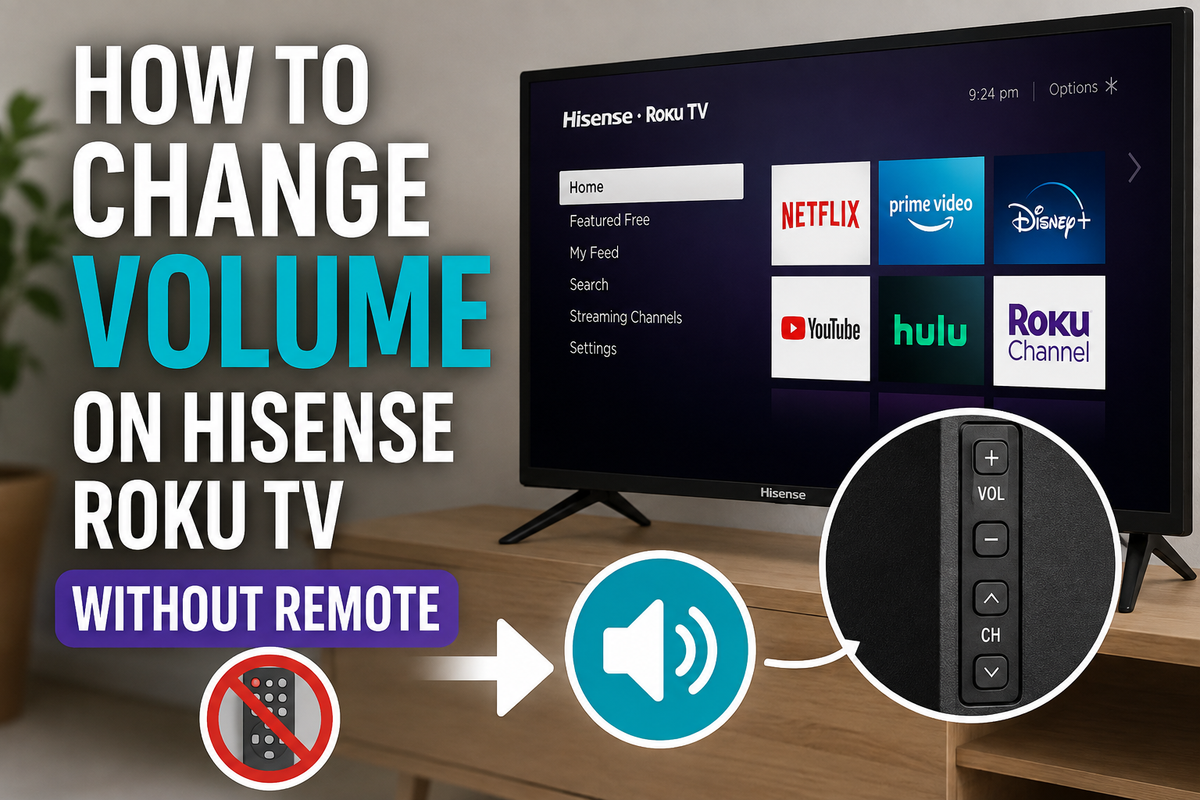
Losing your remote doesn't mean you're stuck with a volume level that's too high or too low. Hisense Roku TVs offer several ways to adjust the sound even when the remote isn't available.
In this guide, you'll learn how to change the volume on a Hisense Roku TV without using a remote.
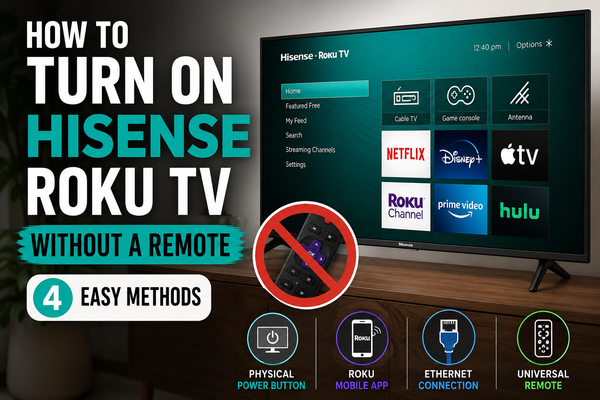
Use the Physical Buttons on the TV
Most Hisense Roku TVs have built-in control buttons located on the side, bottom, or back of the TV.
To adjust the volume:
- Locate the physical control buttons.
- Press the Volume Up (+) button to increase the sound.
- Press the Volume Down (-) button to lower the sound.
If your TV has only one multifunction button:
- Press the button to open the on-screen menu.
- Navigate through the menu options.
- Select Volume.
- Increase or decrease the sound level.
The exact button placement depends on your TV model.
Use the Roku Mobile App
If your TV is connected to the same Wi-Fi network as your smartphone, the Roku app can replace the remote completely.
Follow these steps:
- Install the Roku app on your phone.
- Open the app.
- Tap Devices.
- Select your Hisense Roku TV.
- Tap Remote.
- Use the Volume Up and Volume Down controls.
The app also lets you navigate menus, launch streaming apps, and enter text.
Connect a Universal Remote
A universal remote can control your Hisense Roku TV if the original remote is missing.
To set it up:
- Turn on the TV.
- Follow the pairing instructions provided with the remote.
- Select Roku TV during the setup process.
- Test the volume controls.
Many universal remotes work without additional programming.
Control the TV Through HDMI-CEC
If you're using a streaming device, soundbar, or gaming console, you may be able to control the TV's volume through HDMI-CEC.
To enable it:
- Open Settings.
- Select System.
- Choose Control other devices (CEC).
- Enable HDMI-CEC.
Once enabled, another connected device may be able to adjust the TV's volume.
Use a Soundbar or External Speakers
If your Hisense Roku TV is connected to a soundbar or external speakers, you can change the volume directly through the audio device.
Use:
- Soundbar controls
- Speaker buttons
- A dedicated soundbar remote
- A mobile app provided by the speaker manufacturer
Why Isn't the Volume Changing?
If none of these methods work, try the following:
- Make sure the TV isn't muted.
- Restart the TV.
- Check whether headphones are connected.
- Verify that external speakers are turned on.
- Confirm that your phone and TV are connected to the same Wi-Fi network.
Final Thoughts
Changing the volume on a Hisense Roku TV without a remote is usually simple. The easiest solution is to use the physical buttons on the TV or install the Roku mobile app. If those options aren't available, a universal remote or an external audio device can help you regain control of the sound.