How to Program an RCA Universal Remote to a Hisense Roku TV
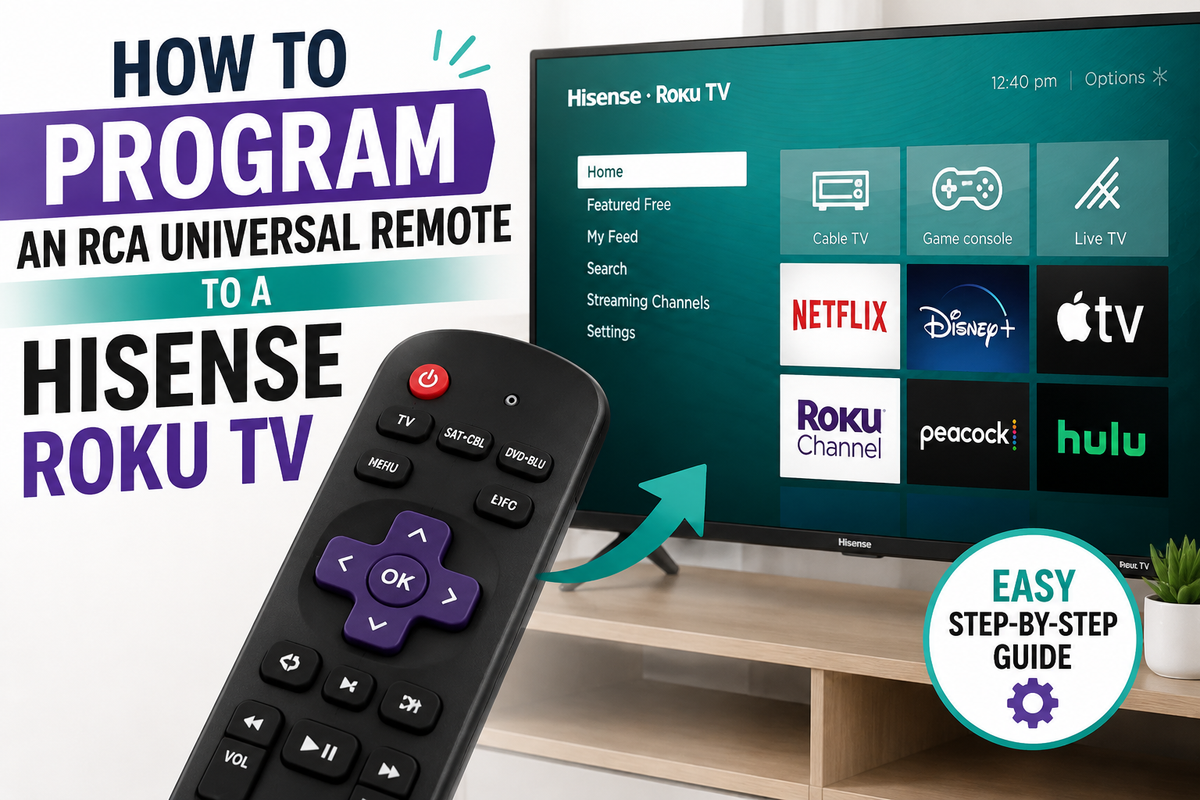
An RCA universal remote is a handy replacement for your original Hisense remote, especially if the factory one got lost or broke. But Hisense TVs running the Roku TV platform behave a bit differently during setup than standard Hisense models on VIDAA or Android TV, so it's important to use the right approach — and the codes made specifically for the Roku version.
Why Hisense Roku TV Is a Special Case
Hisense sells TVs on several different platforms: VIDAA, Android TV/Google TV, and Roku TV. Codes for standard Hisense models don't always work on the Roku version, because basic functions like power, volume, and input switching are partly handled by the built-in Roku software. That's why remote manufacturers maintain a separate "Roku TV" code list, which you should try first if the standard Hisense codes don't respond.
Before You Start: Quick Checks
- Identify your RCA remote's revision. A revision number (e.g., R2621x) is usually printed inside the battery compartment — it determines which code list applies.
- Test the remote's IR transmitter. Point the remote at your smartphone's camera and press any button — if you see a faint purple flash on screen, the infrared LED is working.
- Replace the batteries if the remote has been sitting unused for a while — weak batteries are often mistaken for "wrong code" issues.
- Make sure there's a clear line of sight between the remote and the TV's IR receiver.
Method 1: Direct Code Entry (fastest)
This is the basic method and worth trying first.
- Turn on the Hisense Roku TV manually (using the button on the TV itself, if the remote isn't paired yet).
- On the RCA remote, press and hold the TV button until the indicator light stays on solid (usually 2–3 seconds).
- Enter one of the codes from the list below, one digit at a time.
- Once the code is accepted, the indicator should blink twice to confirm.
- Point the remote at the TV and press Power. If the screen turns off, the code worked. Also test the volume and channel/input buttons.
Codes that most often work with Roku-based Hisense models (try them in order until the TV responds):
- 11756
- 12434
- 10748
- 0178
- 11758
- 0073
If none of those work, try this general code, which covers most built-in Roku TVs regardless of the TV's manufacturer:
- 3381
Note: code lists vary between remote manufacturers, and even between different RCA remote revisions. If a code doesn't work on the first try, that's normal — just move on to the next one.
Method 2: Auto Code Search (if direct entry fails)
This method is slower, but it doesn't require knowing a specific code — the remote cycles through its built-in database on its own.
- Turn on the TV.
- Hold down the Setup button (or TV, depending on your remote model) until the indicator light stays on.
- Press the TV button.
- Slowly and repeatedly press Power while pointing the remote at the TV — the remote will step through codes one by one.
- As soon as the screen turns off, immediately press Setup (or Enter, depending on the model) to lock in that code.
- Test the remaining buttons to confirm full functionality.
Method 3: Wi-Fi Pairing via App
If your TV doesn't respond to any IR code at all (this happens occasionally with certain Hisense Roku TV batches that ship with a limited IR receiver), you have two other options: use the official Roku mobile app, which pairs over Wi-Fi and doesn't require any codes, or use the TV's own remote-management settings, since Roku TV supports control via HDMI-CEC with some universal remotes.
If Nothing Works
- Check for a recent firmware update. After a Hisense system update, a previously working code can stop responding. If that happens, just repeat the setup with the same code or the next one on the list.
- Reset the remote. Hold down the button combination specified for your RCA model (often Setup + Mute for about 3 seconds) to restore factory settings and start over.
- Recheck line of sight and distance — IR signals struggle at sharp angles or through cabinet glass.
- If neither direct codes nor auto-search work at all, the issue is likely the TV's IR receiver itself or dead batteries in the remote, rather than the code.
Bottom Line
Programming an RCA remote to a Hisense Roku TV usually takes under five minutes: start with direct entry using the Roku-specific codes (11756, 12434, 10748), fall back to auto-search if those fail, and use Wi-Fi pairing through the Roku app as a last resort. The key is not to start with codes meant for a "regular" Hisense TV (VIDAA/Android TV), since those often don't work on the Roku platform.