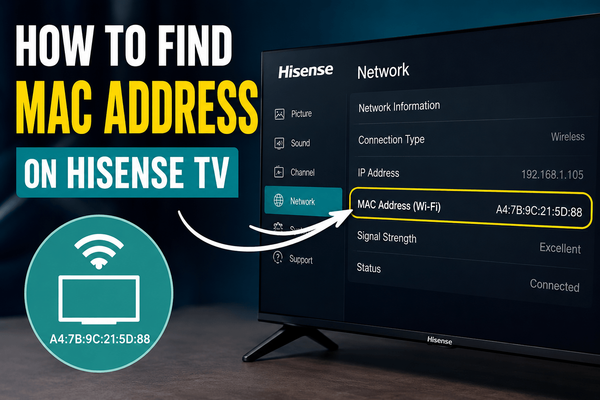
How to Find the MAC Address on a Hisense Roku TV
Introduction
The MAC address is a unique identifier assigned to your Hisense Roku TV's network adapter. Unlike an IP address, which can change over time, a MAC address remains permanently associated with the device's hardware.
You may need your TV's MAC address when setting up a new router, creating a network reservation, troubleshooting connection problems, or registering the television on a managed network.
Fortunately, locating the MAC address on a Hisense Roku TV is a simple process.
This guide explains several ways to find it.
What Is a MAC Address?
A MAC (Media Access Control) address is a 12-character identifier used by network devices to communicate with each other.
A typical MAC address looks like this:
00:1A:2B:3C:4D:5E
Every network-enabled device has its own MAC address, including:
- Smart TVs
- Smartphones
- Computers
- Tablets
- Gaming consoles
Unlike an IP address, the MAC address doesn't usually change.
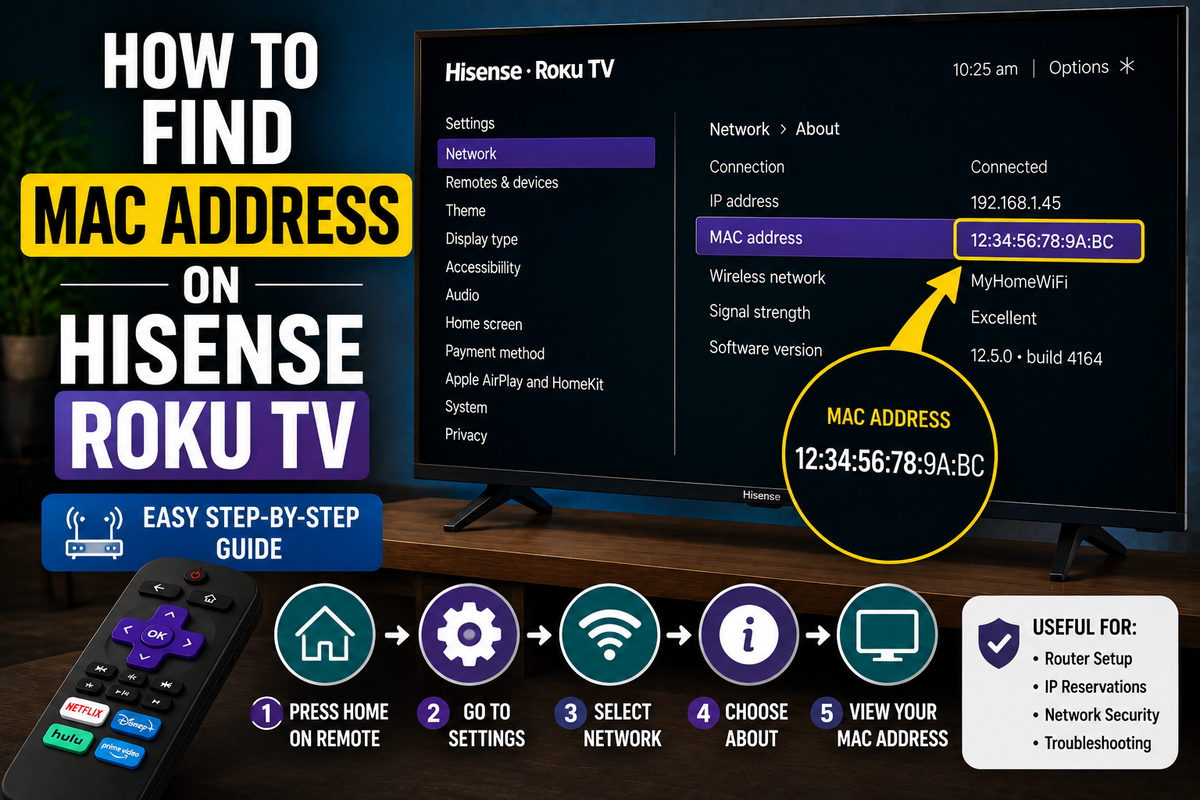
Method 1: Find the MAC Address Through the Roku Settings Menu
The easiest method is to check the network information directly on the television.
Follow these steps:
- Press the Home button on your Roku remote.
- Select Settings.
- Choose Network.
- Select About.
You'll see several network details, including:
- MAC address
- IP address
- Wireless network name
- Signal strength
- Connection status
The MAC address is usually displayed as a series of numbers and letters separated by colons.
Method 2: Check the Network Status Screen
Some Hisense Roku TV models provide additional network information.
To access it:
- Open Settings.
- Select Network.
- Choose Check Connection.
- Open the network information screen.
Depending on your software version, the MAC address may be displayed there.
Method 3: Find the MAC Address Through Your Router
If you can't access your television directly, your router may be able to identify the device.
The general process is:
- Sign in to your router's administration panel.
- Open the connected devices list.
- Locate your Hisense Roku TV.
- View the device information.
Many routers display both the IP address and the MAC address for every connected device.
Method 4: Use the Roku Mobile App
If your physical remote isn't available, you can use the Roku mobile app to navigate the television.
After connecting the app:
- Open the virtual remote.
- Select Settings.
- Open Network.
- Select About.
The network information screen should display the MAC address.
Why Would You Need the MAC Address?
The MAC address can be useful for several tasks, including:
Router Configuration
Many routers allow you to reserve a specific IP address for a device using its MAC address.
Network Troubleshooting
A MAC address can help you identify your television among multiple connected devices.
MAC Address Filtering
Some networks use MAC filtering to control which devices are allowed to connect.
Device Registration
Certain schools, hotels, and managed networks require devices to be registered using their MAC addresses.
Troubleshooting Tips
The TV Isn't Connected to Wi-Fi
The network information screen may not display complete details if the television isn't connected to a network.
Reconnect the TV to Wi-Fi and try again.
The MAC Address Doesn't Appear
Restart the television:
- Open Settings.
- Select System.
- Choose Power.
- Select System Restart.
After the restart, check the network menu again.
The Information Screen Is Empty
Restart your router and reconnect the television.
Frequently Asked Questions
Is the MAC address the same as the IP address?
No.
An IP address identifies a device on a network, while a MAC address identifies the physical network adapter inside the device.
Can the MAC address change?
In most cases, no. The MAC address is permanently assigned to the network hardware.
Can I find the MAC address without a remote?
Yes. You can use the Roku mobile app or check your router's device list.
Conclusion
Finding the MAC address on a Hisense Roku TV takes only a few steps. The easiest method is to open Settings > Network > About, where you'll find all the information related to your network connection.
If you can't access the TV directly, your router and the Roku mobile app can provide alternative ways to locate the MAC address.