How to Change Email on Hisense Roku TV
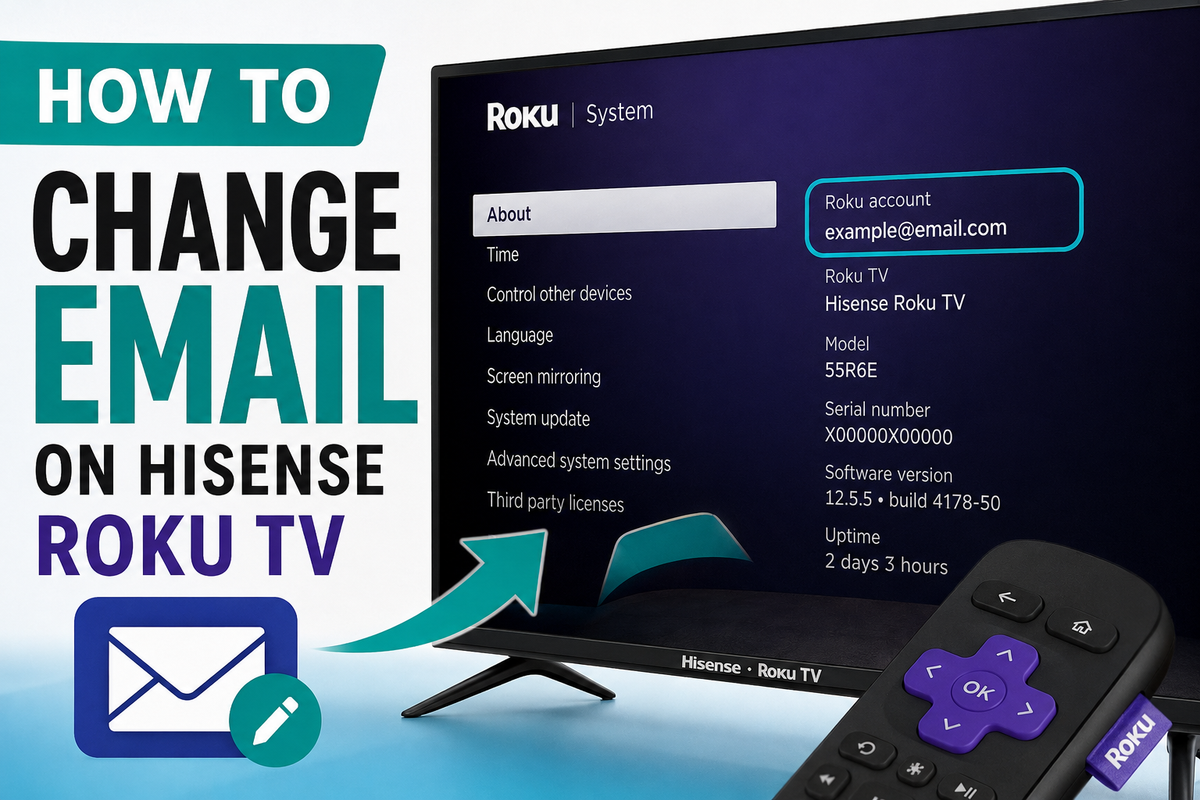
Changing the email address on your Hisense Roku TV is easier than many people think. However, there is one important thing to understand before you begin: the email address isn't actually stored on the TV itself. Instead, it's linked to your Roku account.
This means you cannot simply open the TV settings and type in a new email address. In most cases, you'll need to update your account information through the Roku website first. Once the change is complete, your Hisense Roku TV will automatically sync with the updated account information.
Check Which Email Is Connected to Your TV
If you don't remember which email address is associated with your device, you can check it directly on your TV.
Follow these steps:
- Press the Home button on your Roku remote.
- Open Settings.
- Select System.
- Choose About.
- Look for the email address listed on the information screen.
The email shown there is the Roku account currently connected to your Hisense Roku TV.
Change Your Roku Account Email
To update your email address:
- Open the Roku account page in a web browser.
- Sign in to your Roku account.
- Open Account Information.
- Enter your new email address.
- Confirm your current password.
- Select Save Changes.
You can access the Roku account page here:
After saving your changes, the new email address will become the login email for all Roku devices connected to that account, including your Hisense Roku TV.
What If You Forgot Your Password?
If you can't remember your Roku password, you can request a password reset from the account information page.
Roku will send a recovery message to the email address currently associated with your account. After resetting the password, you can sign in and update your email address.
What If You No Longer Have Access to Your Old Email?
This situation is more complicated.
If you can't access your old email account and don't know your Roku password, you may need to contact Roku support for assistance. Roku recommends using the support options available through its official website.
Can You Use a Completely Different Roku Account?
Yes, but changing from one Roku account to another usually requires resetting the TV and activating it again with the new account. A factory reset removes installed channels, preferences, and personalized settings, so it's best to use this method only when necessary.
Frequently Asked Questions
Can I change my email directly from my Hisense Roku TV?
No. In most cases, you must update your account information through your Roku account online. The changes will then synchronize with your TV automatically.
Will changing my email delete my apps?
No. If you're only changing the email address within the same Roku account, your installed channels and settings will remain unchanged.
Do I need to create a new Roku account?
No. You can simply update the existing account with a new email address. Creating a new account is only necessary if you want to replace the current Roku account completely.
Final Thoughts
Changing the email on a Hisense Roku TV is usually a quick process. Simply verify the current email address on your TV, sign in to your Roku account, update your account information, and save your changes.
If you've lost access to both your email and your password, contacting Roku support is the fastest way to regain access to your account.